

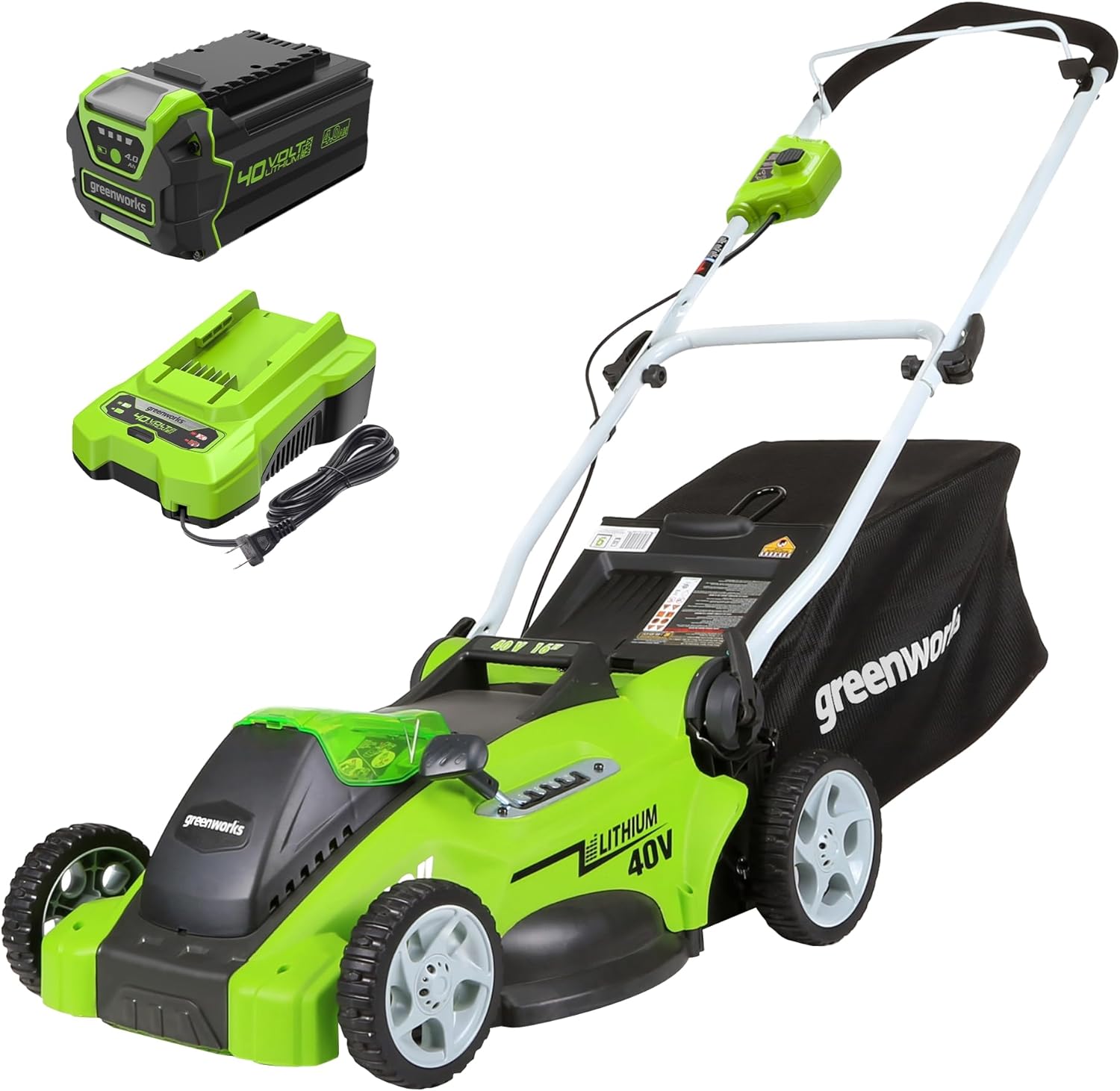
To change a Hyper Tough lawn mower blade, disconnect the mower from power first, tip the mower safely, block the blade from moving, remove the blade bolt, take off the old blade, compare it with the replacement blade, install the new blade in the correct direction, tighten the bolt securely, and test the mower carefully.
The exact blade size and bolt setup can vary by mower model, so always check your owner’s manual and model number before replacing the blade.
For blade compatibility help, read:
What Blade Fits a Hyper Tough Lawn Mower?
Quick Answer
If you are asking, “how to change Hyper Tough lawn mower blade?”, the basic process is:
- Disconnect the power source.
- Tip the mower safely.
- Block the blade with wood.
- Remove the blade bolt.
- Remove the old blade.
- Match the new blade to the old blade.
- Install the new blade in the correct direction.
- Tighten the bolt securely.
- Reconnect power and test the mower.
A mower blade must be installed correctly. If the blade is upside down, loose, unbalanced, or the wrong size, the mower may cut poorly, vibrate, or become unsafe.
Safety First Before Changing the Blade
Before touching the blade area, make sure the mower cannot start accidentally. This is the most important step.
Gas Hyper Tough Mower
Turn the mower off and disconnect the spark plug wire. This prevents the engine from starting while you are working near the blade.
If you need to tip the mower, avoid tipping it in a way that sends oil or fuel into the air filter or carburetor. Follow the manual for the safest tipping direction.
Battery Hyper Tough Mower
Remove the battery and safety key before working under the mower. Do not rely only on the power button being off.
A battery mower can still be dangerous if the battery is installed and the controls are accidentally pressed.
Corded Electric Hyper Tough Mower
Unplug the mower from the outlet and disconnect the extension cord. Never change or inspect the blade while the mower is connected to power.
General Safety Tips
Wear thick gloves, keep your hands away from the cutting edge, and work on a flat surface. Wait until the blade has fully stopped before turning the mower over or touching the deck area.
For cleaning before or after blade work, read:
How to Clean Hyper Tough Lawn Mower
Tools Needed
You do not need many tools to change a Hyper Tough mower blade, but using the right tools makes the job safer and easier.
Basic Tools
- Heavy-duty gloves
- Socket wrench or ratchet
- Correct socket size for the blade bolt
- Wooden block or blade stop
- Replacement blade
- Clean cloth or brush
- Safety glasses
Helpful Tools
- Torque wrench if available
- Penetrating oil for stuck bolts
- Blade balancer if sharpening
- Owner’s manual
- Phone camera to take before-and-after photos
A torque wrench is helpful because it lets you tighten the blade bolt to the proper specification listed in the manual.
For parts guidance, visit:
What Parts Fit a Hyper Tough Lawn Mower?
Step-by-Step: How to Change a Hyper Tough Lawn Mower Blade
Follow these steps carefully before installing a new blade.
Step 1: Disconnect Power
For a gas mower, disconnect the spark plug wire. For a battery mower, remove the battery and safety key. For a corded electric mower, unplug the power cord.
Do not skip this step. The mower must be fully disabled before blade removal.
Step 2: Tip the Mower Safely
Place the mower on a flat, stable surface. Tip the mower carefully so you can access the blade.
For gas models, follow the owner’s manual for the correct tipping direction. Tipping the mower the wrong way can cause fuel or oil to leak into the air filter, carburetor, or muffler area.
Step 3: Block the Blade
Place a solid block of wood between the blade and the mower deck. This keeps the blade from spinning while you loosen the bolt.
Do not hold the blade with your bare hand. Even a dull blade can cut you.
Step 4: Remove the Blade Bolt
Use a socket wrench to loosen the center blade bolt. Most mower blade bolts loosen by turning counterclockwise, but always check your manual if you are unsure.
If the bolt is tight, apply steady pressure. Avoid sudden jerking that could cause your hand to slip.
Step 5: Remove the Old Blade
Once the bolt is removed, carefully take off the blade and any washers or adapters. Pay attention to the order of the parts.
A good tip is to take a photo before removing everything so you can reinstall the new blade correctly.
Step 6: Compare the New Blade
Before installing the replacement blade, compare it with the old blade.
Check:
- Blade length
- Center hole
- Outer holes
- Blade width
- Blade lift
- Mounting pattern
- Blade thickness
- Cutting edge direction
Do not install the new blade if it does not match the old blade or the manual’s specifications.
Step 7: Install the Blade in the Correct Direction
Place the new blade onto the blade adapter or spindle in the correct orientation. The cutting edge should face the direction of blade rotation, and the raised wing usually points upward toward the mower deck.
Many blades have markings such as “grass side,” “this side down,” or “deck side.” Follow the marking if your blade has one.
Step 8: Tighten the Blade Bolt
Reinstall the washer and bolt in the correct order. Tighten the bolt securely.
If you have a torque wrench, tighten the bolt to the torque specification in the owner’s manual. Do not overtighten or undertighten the bolt.
Step 9: Test the Mower
Return the mower to its normal position. Reconnect the spark plug wire, reinstall the battery, or plug in the mower only after the blade is fully installed.
Start the mower in a safe area and listen for unusual vibration, scraping, knocking, or wobbling. If something feels wrong, stop the mower immediately and recheck the blade installation.
Which Way Does the Mower Blade Go On?
A mower blade must be installed with the correct side facing down. If installed upside down, the mower may still spin, but it will not cut properly.
In most cases:
- The sharpened cutting edge faces the direction of rotation
- The raised wing points upward toward the mower deck
- The flat cutting side faces the grass
- Any stamped direction marking should be followed
Look for words stamped into the blade, such as:
- “Grass side”
- “This side down”
- “Bottom”
- “Deck side”
- “This side up”
If your blade has no marking, compare it with the old blade before removing it, or take a photo before disassembly.
How Do I Remove a Stuck Mower Blade Bolt?
A mower blade bolt can become stuck because of rust, dirt, overtightening, or grass buildup. If the bolt will not move, do not force it in a way that damages the mower.
Try these steps:
- Make sure the mower is disconnected from power.
- Block the blade securely with wood.
- Use the correct socket size.
- Apply steady pressure with a ratchet or breaker bar.
- Use penetrating oil and let it sit.
- Tap the bolt lightly to help loosen rust.
- Try again with slow, steady pressure.
Avoid using the wrong socket size because it can round off the bolt head. If the bolt is badly damaged or will not loosen, it may be safer to get help from a mower repair shop.
How Tight Should the Mower Blade Bolt Be?
The mower blade bolt should be tight enough to hold the blade securely, but not so tight that the bolt, washer, spindle, or blade adapter is damaged.
The correct blade bolt torque can vary by mower model. The best answer is to follow the torque specification in your Hyper Tough mower manual.
If you do not have the manual, read:
Where Can I Find Hyper Tough Lawn Mower Manual?
If you have a torque wrench, use it. If you do not, tighten the bolt firmly and securely, then check that the blade is seated flat and does not wobble.
Can I Change a Mower Blade Myself?
Yes, many homeowners can change a mower blade themselves if they follow the correct safety steps and use the right tools.
You should feel comfortable with:
- Disconnecting power
- Tipping the mower safely
- Blocking the blade
- Removing and reinstalling a bolt
- Matching the blade correctly
- Checking blade direction
- Testing for vibration
If the bolt is stuck, the blade adapter is damaged, the mower vibrates badly, or you are unsure about the installation, get help from a repair professional.
Should I Sharpen or Replace the Blade?
You can sharpen a Hyper Tough mower blade if it is dull but still straight, balanced, and free from cracks. Sharpening can improve cutting performance and reduce grass tearing.
Replace the blade if it is:
- Bent
- Cracked
- Badly rusted
- Deeply chipped
- Severely worn
- Out of balance
- Damaged around the center hole
- Causing heavy vibration
A damaged blade should not be repaired or forced back into use. Replacement is safer.
Why Is My Mower Vibrating After Blade Replacement?
If your Hyper Tough mower vibrates after changing the blade, stop using it and inspect the blade installation.
Common causes include:
Unbalanced Blade
A blade that is not balanced can cause vibration. This is common after sharpening or if the blade is damaged.
Wrong Blade Installed
A blade that is too long, too short, too wide, or has the wrong mounting pattern may vibrate or hit the deck.
Blade Installed Upside Down
An upside-down blade can cut poorly and create airflow problems under the deck.
Loose Blade Bolt
If the bolt is not tight enough, the blade can wobble. Stop the mower and tighten the bolt properly.
Bent Blade
A bent blade can cause strong vibration and uneven cutting. Replace it immediately.
Damaged Blade Adapter or Crankshaft
If the mower hit a rock, root, or hard object, the blade adapter or crankshaft may be damaged. If vibration continues after replacing the blade correctly, have the mower inspected.
How Often Should I Change the Blade?
How often you change the blade depends on how often you mow and what type of yard you have. A blade may last a long time on a clean, flat lawn, but it can wear out quickly if it hits rocks, roots, sticks, or thick weeds.
Inspect the blade several times during the mowing season. Replace it when it is bent, cracked, deeply chipped, badly rusted, or too worn to sharpen safely.
You may need to sharpen or replace the blade if you notice:
- Torn grass tips
- Uneven cutting
- Poor mulching
- Heavy vibration
- Brown grass tips after mowing
- Mower struggling in normal grass
Blade Replacement Mistakes to Avoid
Avoid these common mistakes when changing a Hyper Tough mower blade:
- Forgetting to disconnect power
- Tipping a gas mower the wrong way
- Installing the blade upside down
- Using the wrong blade size
- Ignoring the center hole pattern
- Forgetting washers or adapters
- Leaving the bolt loose
- Overtightening the bolt
- Reusing a cracked or bent blade
- Testing the mower near people or pets
A blade that does not fit correctly can damage the mower and create a safety risk.
Final Answer
To change a Hyper Tough lawn mower blade, disconnect power first, tip the mower safely, block the blade, remove the blade bolt, take off the old blade, compare the new blade, install it in the correct direction, tighten the bolt securely, and test the mower.
Use the correct replacement blade for your model and follow the safety steps carefully. If the blade is bent, cracked, loose, or causing vibration, stop using the mower until the issue is fixed.
For more Hyper Tough lawn mower help, visit:
Hyper Tough Lawn Mower
FAQ
How do you change a Hyper Tough lawn mower blade?
Disconnect the power source, tip the mower safely, block the blade, remove the blade bolt, take off the old blade, match the new blade, install it in the correct direction, tighten the bolt, and test the mower.
Which way does a mower blade go on?
The cutting edge should face the direction of blade rotation, and the raised wing usually points upward toward the mower deck. Follow blade markings such as “grass side” or “this side down.”
How do I remove a stuck mower blade bolt?
Disconnect power, block the blade with wood, use the correct socket, apply penetrating oil, and use steady pressure with a ratchet or breaker bar. Avoid rounding off the bolt head.
Should I sharpen or replace the blade?
Sharpen the blade if it is dull but straight, balanced, and not cracked. Replace it if it is bent, cracked, badly rusted, deeply chipped, or causing vibration.
How tight should the mower blade bolt be?
The blade bolt should be tightened securely according to the torque specification in your mower manual. Use a torque wrench if available.
Can I change a mower blade myself?
Yes, you can change a mower blade yourself if you follow safety steps, use the right tools, and install the correct blade. Get professional help if the bolt is stuck or the mower vibrates after replacement.
Why is my mower vibrating after blade replacement?
Vibration may be caused by an unbalanced blade, wrong blade, upside-down installation, loose bolt, bent blade, damaged blade adapter, or bent crankshaft.
How often should I change the blade?
Inspect the blade during the mowing season. Replace it when it is bent, cracked, badly rusted, deeply chipped, severely worn, or no longer safe to sharpen.